
Workout log comparison
GymAssist vs Strong: which one to pick
Strong is a fast, minimal logger for iPhone, Android and Apple Watch, with no social feed and no web app. GymAssist also logs a set in a couple of taps, then adds load and recovery for 40 muscles, tells you when to progress and lets you coach clients. Here is how they compare, with sources.
Pick GymAssist when
You want load and recovery for every muscle, a nudge when it is time to add weight and no 3-template cap; you coach people, or you would like to log in Telegram and on a desktop browser.
Pick Strong when
You want the simplest possible logger with a watch app that works offline — that is where Strong shines.
Side by side
| Feature | GymAssist | Strong |
|---|---|---|
| Platforms | Browser on phone and desktop plus a Telegram Mini App; can be added to the home screen. No App Store or Google Play app. | iPhone, Android and Apple Watch; no web app. |
| Free | Everything, no limits and no ads — free forever for the first 500 users. | Unlimited workout logging, but only 3 templates. |
| Paid | No paid features: one plan unlocks the whole app. | Strong PRO: $4.99 a month or $29.99 a year, plus a lifetime option. |
| Languages | English and Russian. | 11 languages, Russian included. |
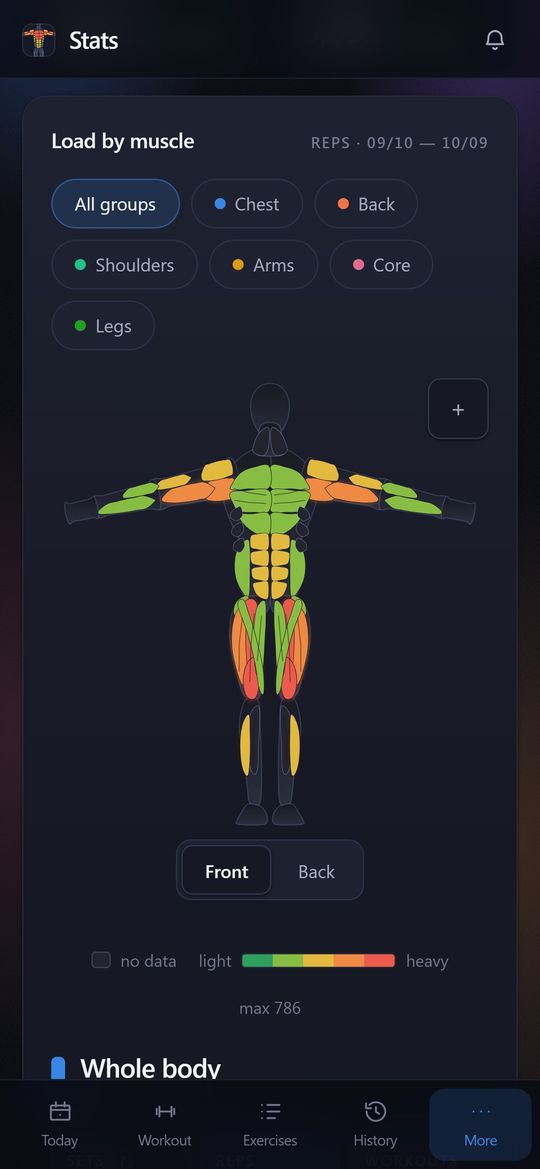
| Muscle map | 40 muscles front and back: three delt heads, three triceps heads, upper, middle and lower chest. | Mentioned on the website; not described in the help center. |
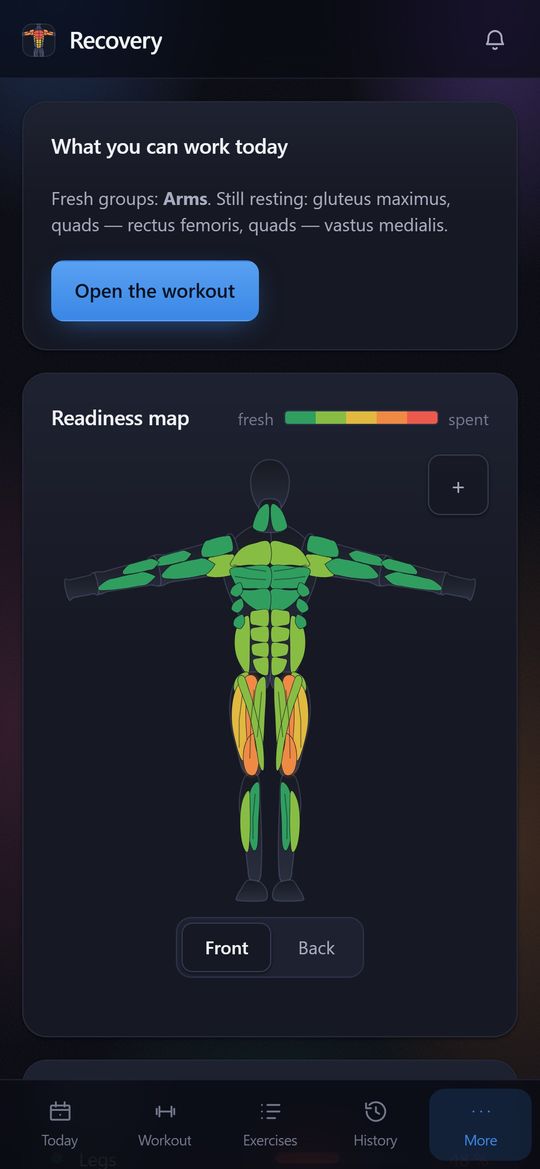
| Muscle recovery | A forecast for each of the 40 muscles on the same map as the load: what has recovered and what has not. | Not shown. |
| Suggestions and progression | Double progression: based on your last session it tells you when to add a rep and when to add weight. | No workout generation or progression hints; warm-up and plate calculators on PRO. |
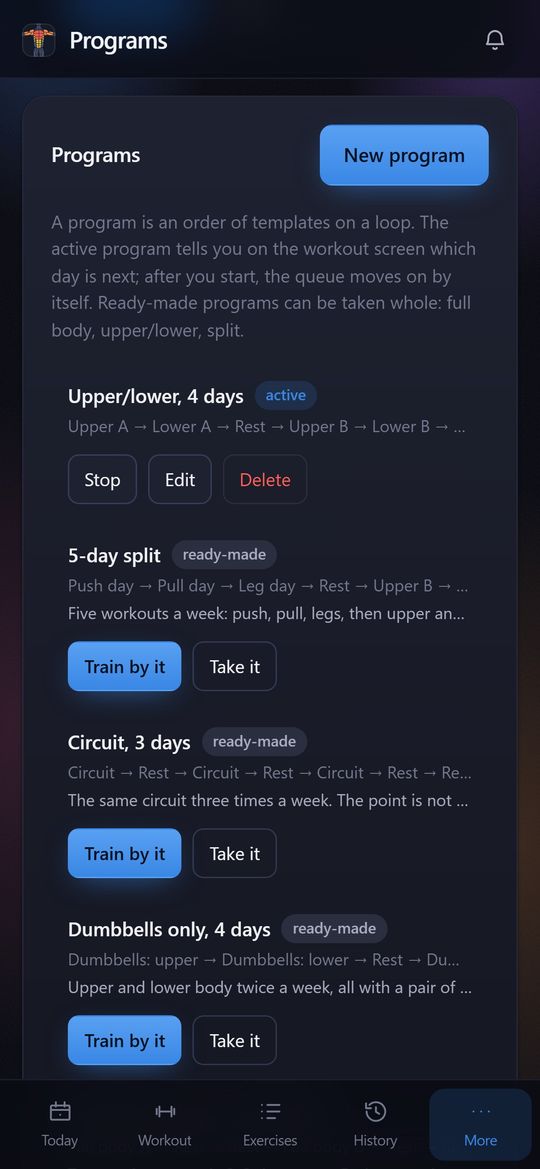
| Programs | 20 ready-made workouts and 10 programs, plus unlimited custom ones. | Custom templates: 3 on the free tier, unlimited on PRO. |
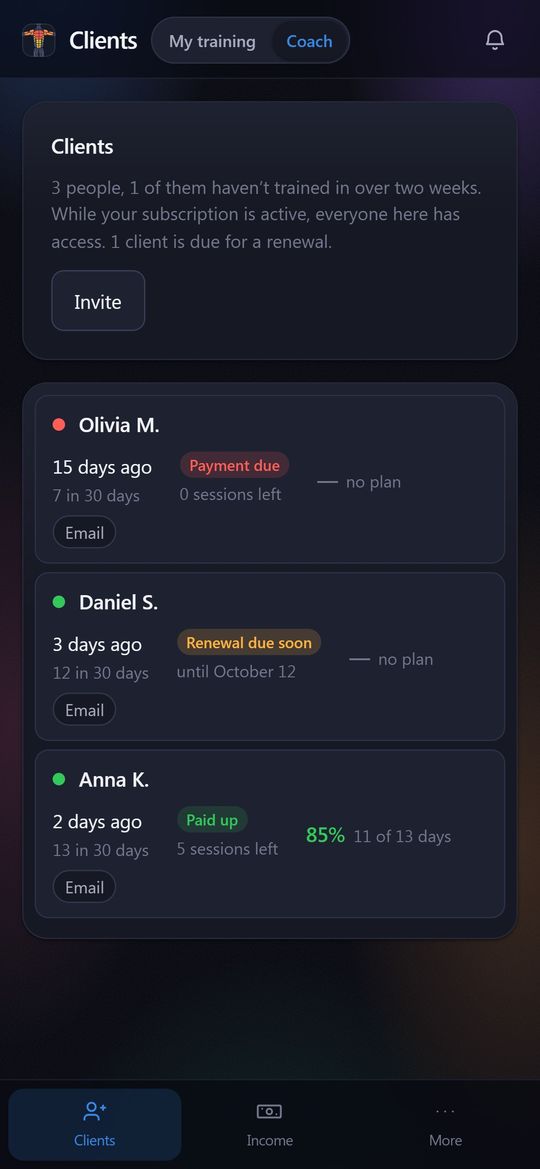
| For coaches | Coach mode in the same app: invite clients by code or link, see their workouts and stats, assign plans and nutrition, track payments. Clients get access through the coach. | No. |
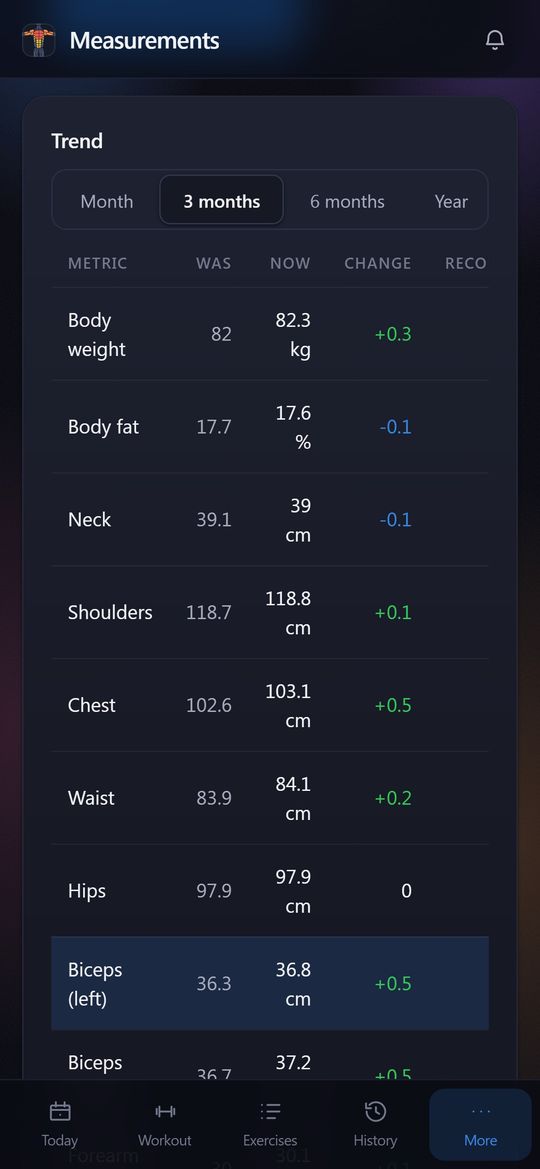
| Body measurements | Weight, body fat and 9 circumferences; arms, forearms, thighs and calves left and right separately. | Free: weight, body fat and calories. PRO: 14 body sites. |
| Rest timer | Starts by itself after a working set. | Starts automatically, 2 minutes by default, separate per-exercise and warm-up durations. |
| Social | No feed; a workout card with the muscle map goes to Stories, a chat or a link. | No feed; share a workout or template as a link. |
| Export and import | Not yet. | CSV export; no import from other apps. |
| Telegram | Mini App and bot: one-tap sign-in, notifications in your DMs. | No. |
Facts about Strong come from its official website, help center and App Store listing as of October 11, 2026. Prices are US prices; plans change, so check them with Strong.
What GymAssist looks like
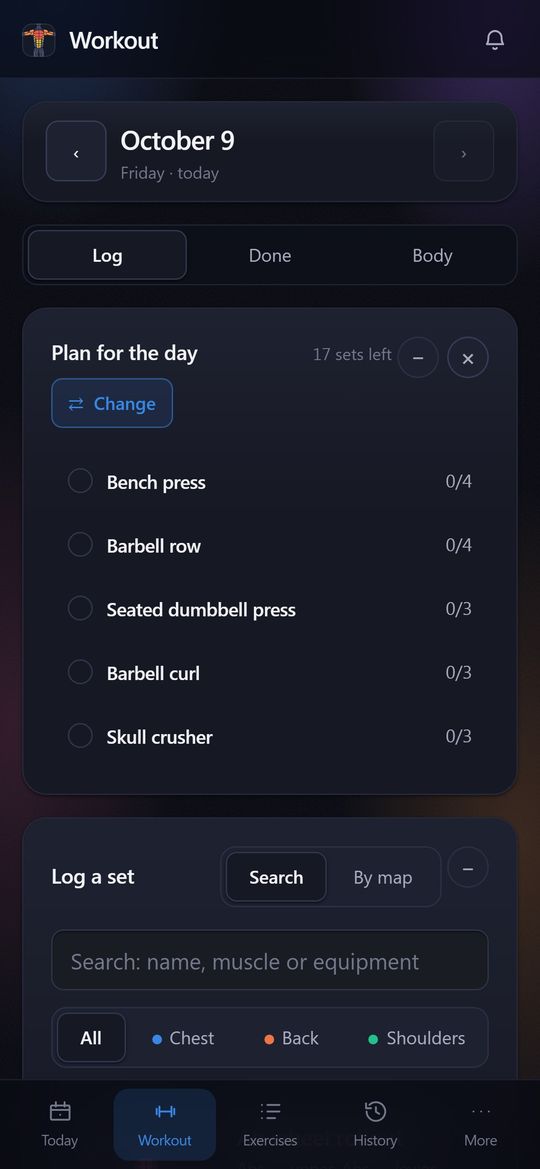
Screenshots of the demo account: names and numbers are made up. Swipe sideways.
What GymAssist does not have yet
- An App Store or Google Play app and a watch app — it runs in the browser and in Telegram.
- Offline mode: you need a connection to log a set.
- Importing history from other apps and CSV export.
- A social feed, likes and leaderboards.
How to switch
There is no import from Strong yet, so start from your working weights: log your main lifts as usual in the first session. From the second one GymAssist tells you when to add weight, and the map starts tracking load and recovery. If all you remember are one-off maxes, the calculator turns them into working weights.
Try it on your next workout
Log your sets and the map shows load and recovery for 40 muscles. In the browser and in Telegram, nothing to install.
Free forever for the first 500
Sources
- help.strongapp.io/article/105-about-templates
- help.strongapp.io/article/132-strong-pro
- help.strongapp.io/article/235-export-workout-data
- apps.apple.com/us/app/id464254577