
Workout log comparison
GymAssist vs Fitbod: which one to pick
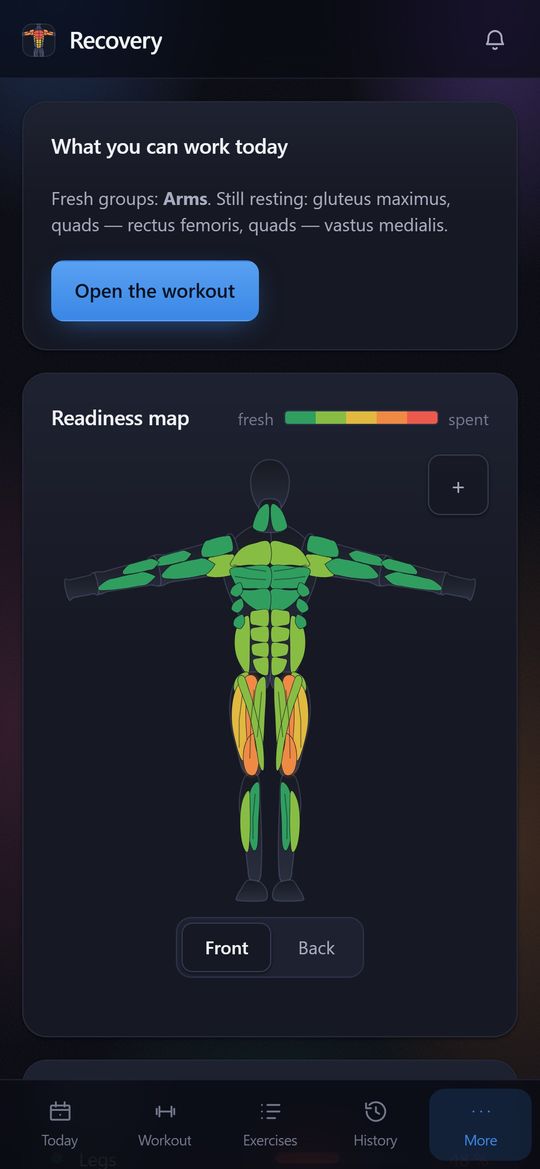
Fitbod builds each workout for you around muscle-group recovery, but it has no free tier. GymAssist does not pick your exercises: you follow your own or a ready-made program, and the app shows load and recovery for 40 individual muscles. Here is how they compare, with sources.
Pick GymAssist when
You train from a program and want recovery for 40 muscles rather than groups; you need a free option, coach mode, or a log that lives in Telegram and the browser.
Pick Fitbod when
You want an algorithm to decide every session for you, down to weight and reps — GymAssist does not do that.
Side by side
| Feature | GymAssist | Fitbod |
|---|---|---|
| Platforms | Browser on phone and desktop plus a Telegram Mini App; can be added to the home screen. No App Store or Google Play app. | iPhone, Apple Watch, Android and Wear OS; no iPad support. |
| Free | Everything, no limits and no ads — free forever for the first 500 users. | No free tier: a 7-day trial after choosing a plan. |
| Paid | No paid features: one plan unlocks the whole app. | $15.99 a month or $95.99 a year. |
| Languages | English and Russian. | English, Spanish and Portuguese. |
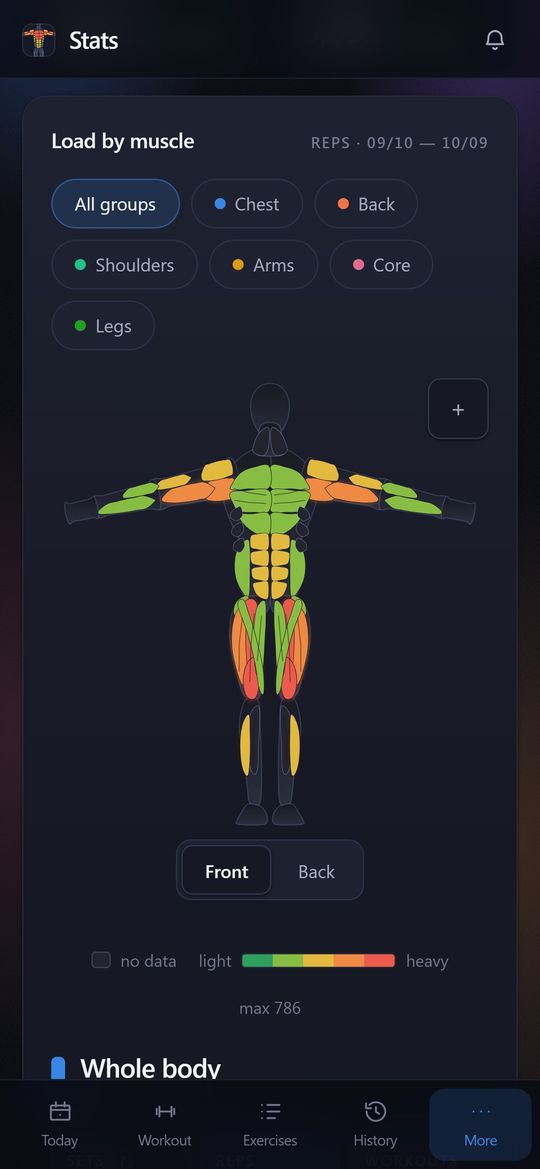
| Muscle map | 40 muscles front and back: three delt heads, three triceps heads, upper, middle and lower chest. | A front and back figure by muscle group: chest, back, quads and so on. |
| Muscle recovery | A forecast for each of the 40 muscles on the same map as the load: what has recovered and what has not. | Yes: each group from 0 to 100%, fully recovered in about 6–7 days. |
| Suggestions and progression | Double progression: based on your last session it tells you when to add a rep and when to add weight. | An algorithm builds the whole workout: exercises, sets, reps and weight. |
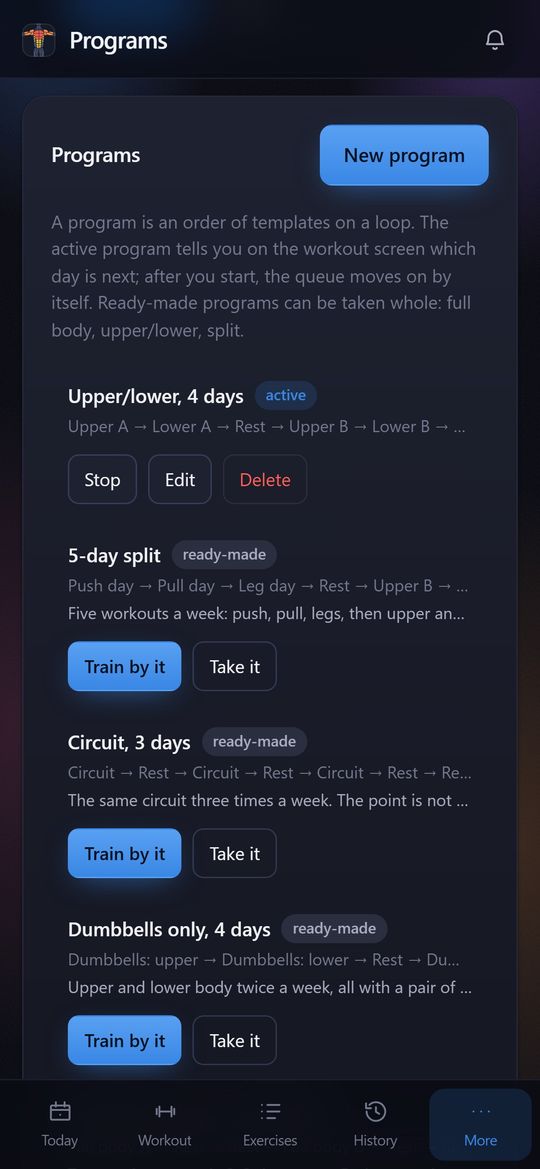
| Programs | 20 ready-made workouts and 10 programs, plus unlimited custom ones. | Instead of programs, workouts that adapt to recovery. |
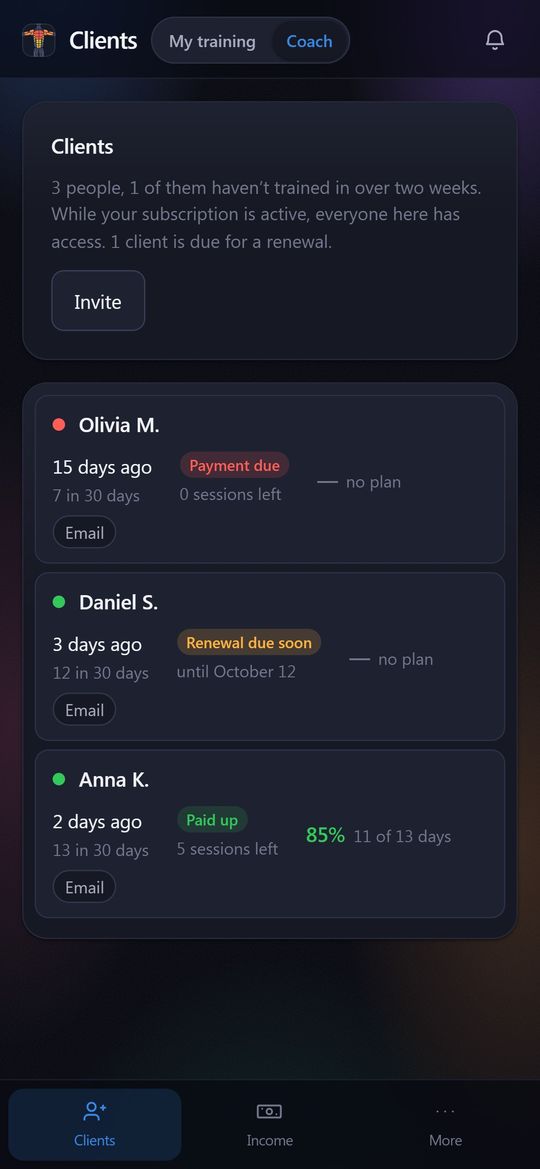
| For coaches | Coach mode in the same app: invite clients by code or link, see their workouts and stats, assign plans and nutrition, track payments. Clients get access through the coach. | No coaching tool; questions to Fitbod trainers go by email. |
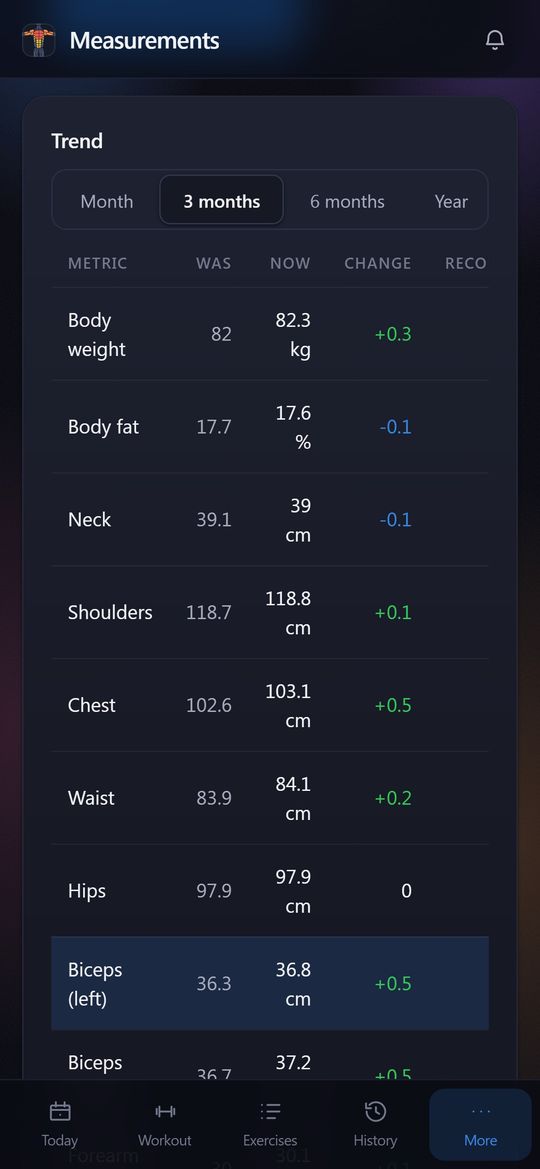
| Body measurements | Weight, body fat and 9 circumferences; arms, forearms, thighs and calves left and right separately. | Weight, body fat and lean mass; no circumferences. |
| Rest timer | Starts by itself after a working set. | Yes. |
| Social | No feed; a workout card with the muscle map goes to Stories, a chat or a link. | No feed; Clubs with leaderboards are in beta at selected gyms. |
| Export and import | Not yet. | Imports activities from Apple Health, Health Connect, Strava and Fitbit. |
| Telegram | Mini App and bot: one-tap sign-in, notifications in your DMs. | No. |
Facts about Fitbod come from its official website, help center and App Store listing as of October 11, 2026. Prices are US prices; plans change, so check them with Fitbod.
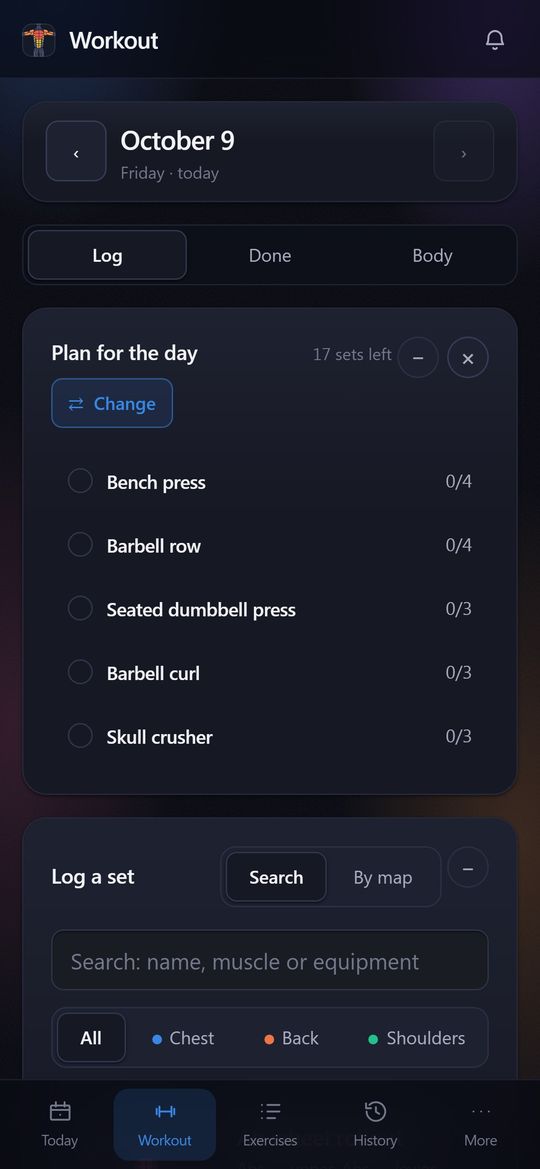
What GymAssist looks like
Screenshots of the demo account: names and numbers are made up. Swipe sideways.
What GymAssist does not have yet
- An App Store or Google Play app and a watch app — it runs in the browser and in Telegram.
- Offline mode: you need a connection to log a set.
- Importing history from other apps and CSV export.
- A social feed, likes and leaderboards.
How to switch
There is no import from Fitbod yet, so start from your working weights: log your main lifts as usual in the first session. From the second one GymAssist tells you when to add weight, and the map starts tracking load and recovery. If all you remember are one-off maxes, the calculator turns them into working weights.
Try it on your next workout
Log your sets and the map shows load and recovery for 40 muscles. In the browser and in Telegram, nothing to install.
Free forever for the first 500
Sources
- help.fitbod.me/hc/en-us/articles/30542136101527
- help.fitbod.me/hc/en-us/articles/360004904714
- help.fitbod.me/hc/en-us/articles/26850917322519
- help.fitbod.me/hc/en-us/articles/360006269014